
 DIAGNOSTICS
Diagnostic Support
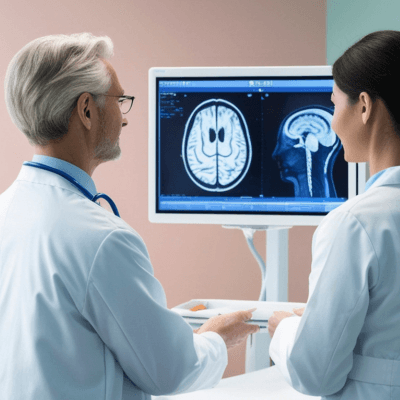
Assists healthcare professionals with evidence-based recommendations to accelerate decisions and improve diagnostic accuracy.

Virtual Kiosk - Use Case
Connect guided intake, relevant health information and professional care pathways through authorised mobile and web experiences. Virtual Kiosk helps organisations turn a remote interaction into a structured care episode—with context that can travel from first contact to follow-up.
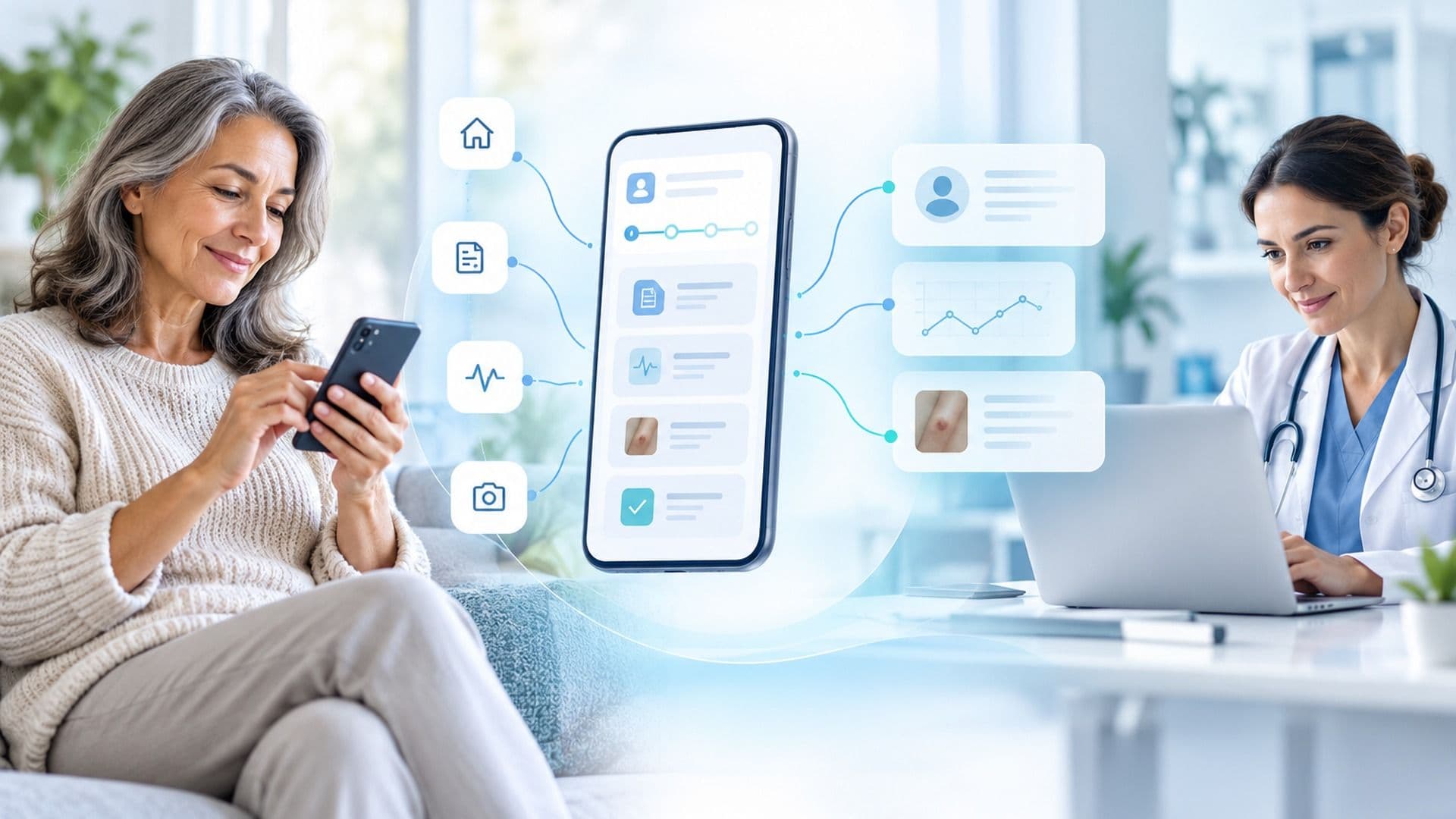
A six-step, configurable journey from first contact to professional follow-up. The steps shown are illustrative and depend on enabled services, clinical roles and integrations.
 1
Enter through an authorised mobile or web endpoint. The experience identifies the applicable pathway and explains how information will be used.
 2
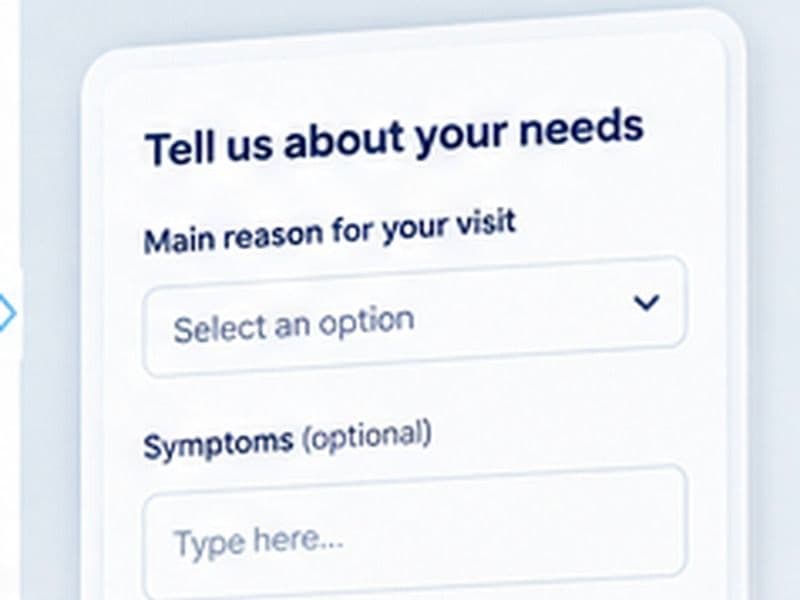
Provide the minimum information needed for the episode, including relevant symptoms, context and consent where required.
 3
Add supported observations, documents, photographs or authorised device readings when available and appropriate to the workflow.
 4
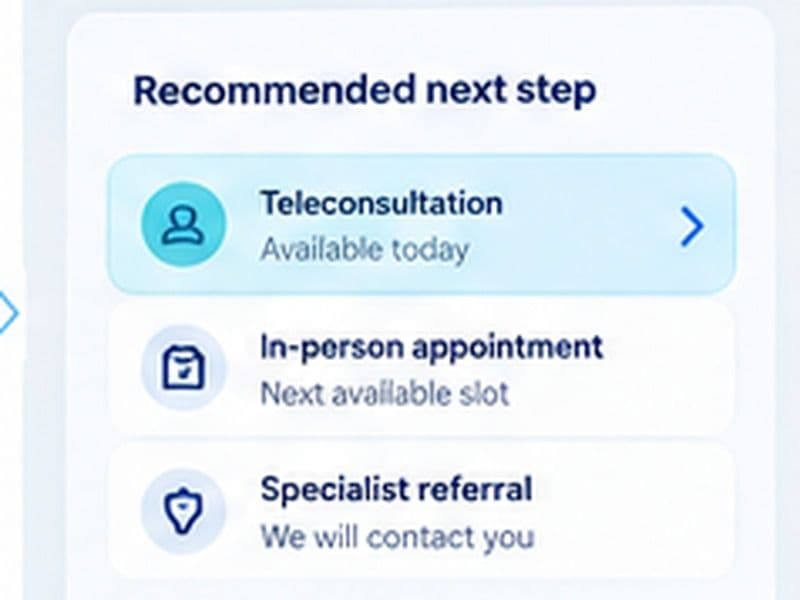
Use configured navigation rules to identify the next relevant service, referral or professional review step. Availability is made clear.
 5
Connect to synchronous or asynchronous professional review when the organisation has enabled that service.
 6
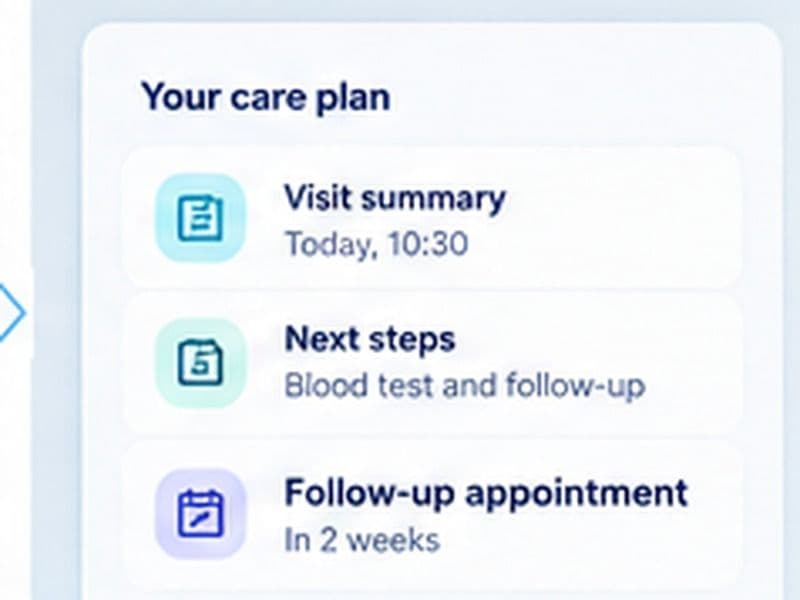
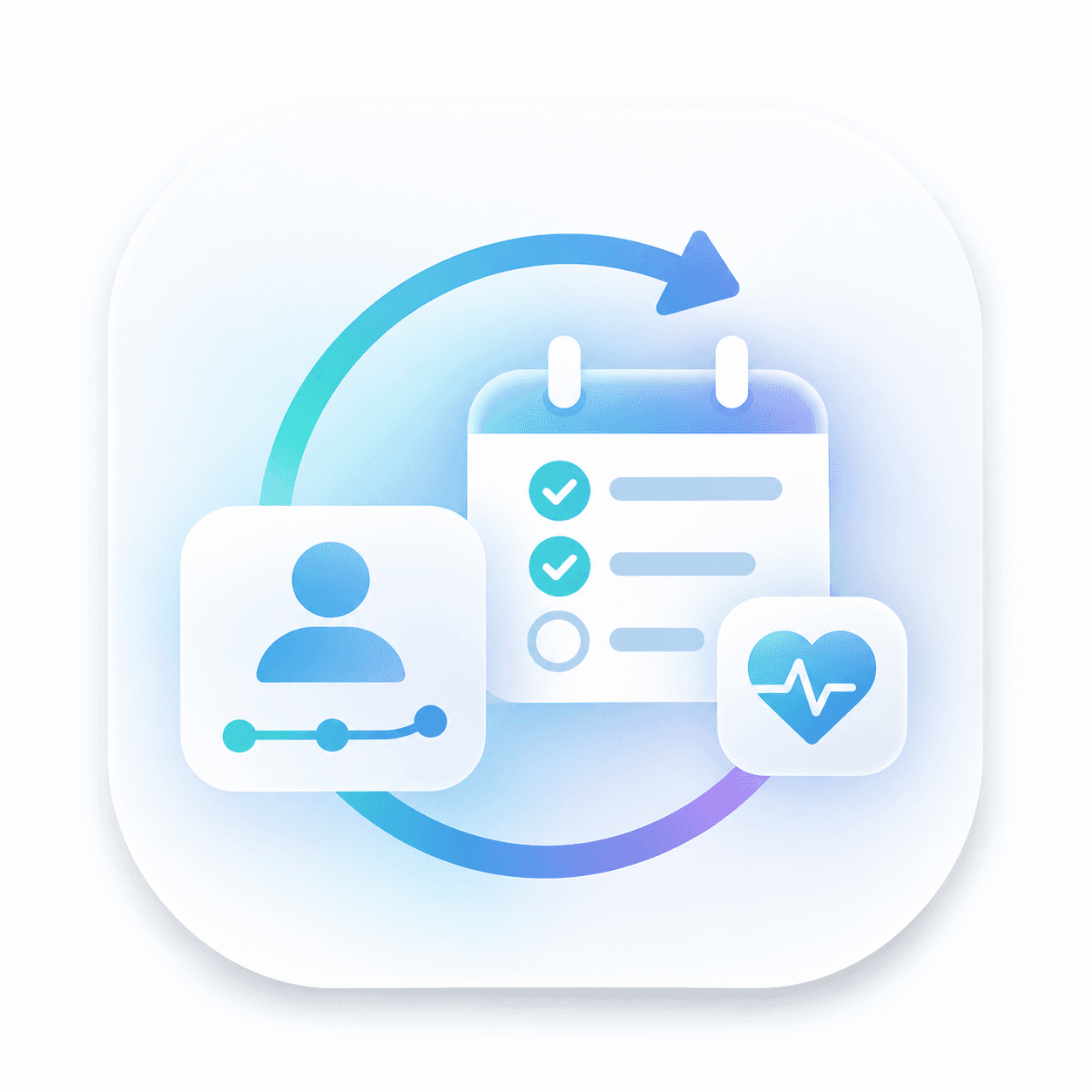
Capture the agreed next steps, record the episode and reconnect relevant observations or contacts over time.
Virtual Kiosk brings together Triage, Care Navigation, Teleconsultation, DeviceLink, MobileBridge and Longitudinal Care, supported by shared identity, consent, evidence and interoperability services.
Triage and navigation to shape a defined next step.
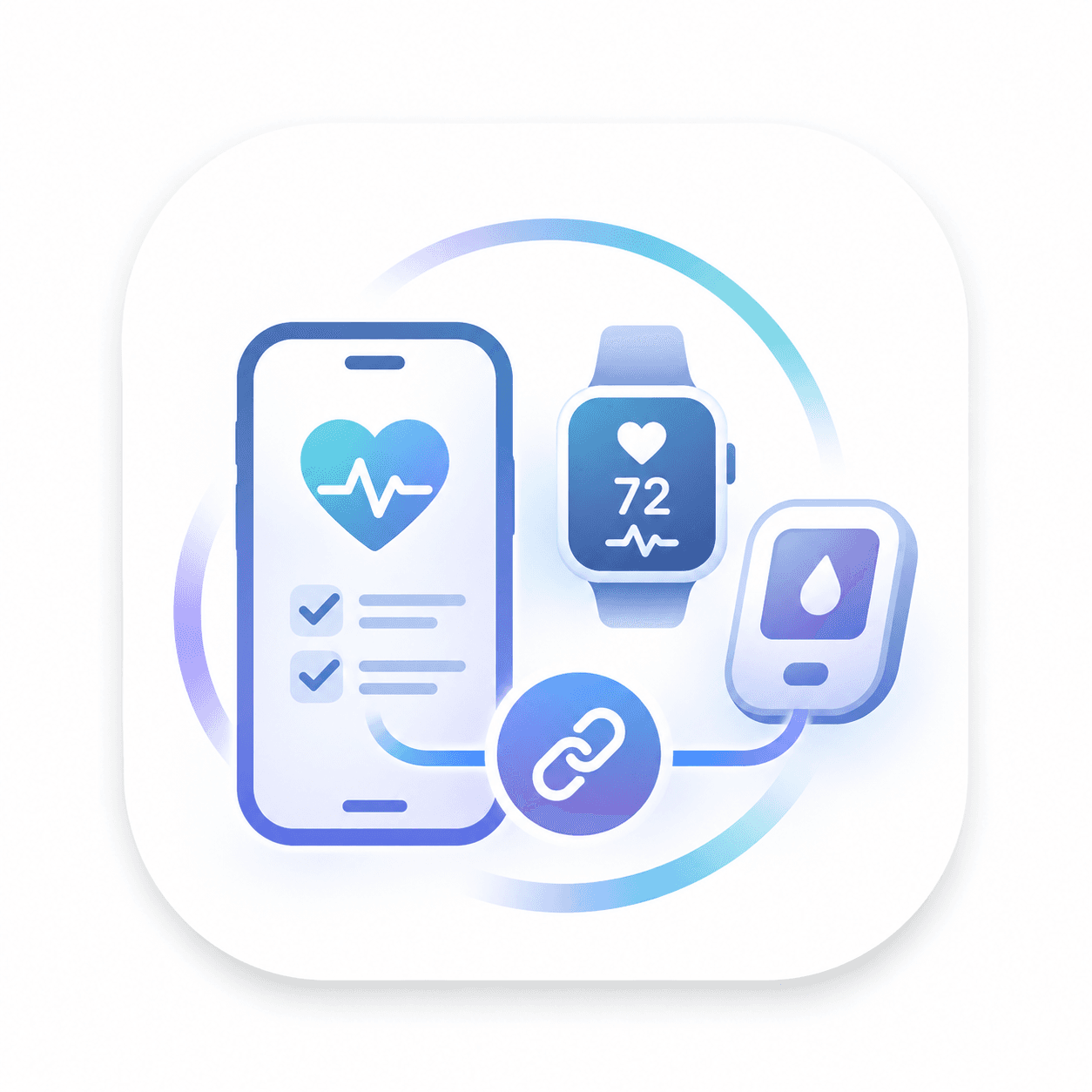
MobileBridge and DeviceLink for supported input and device information.
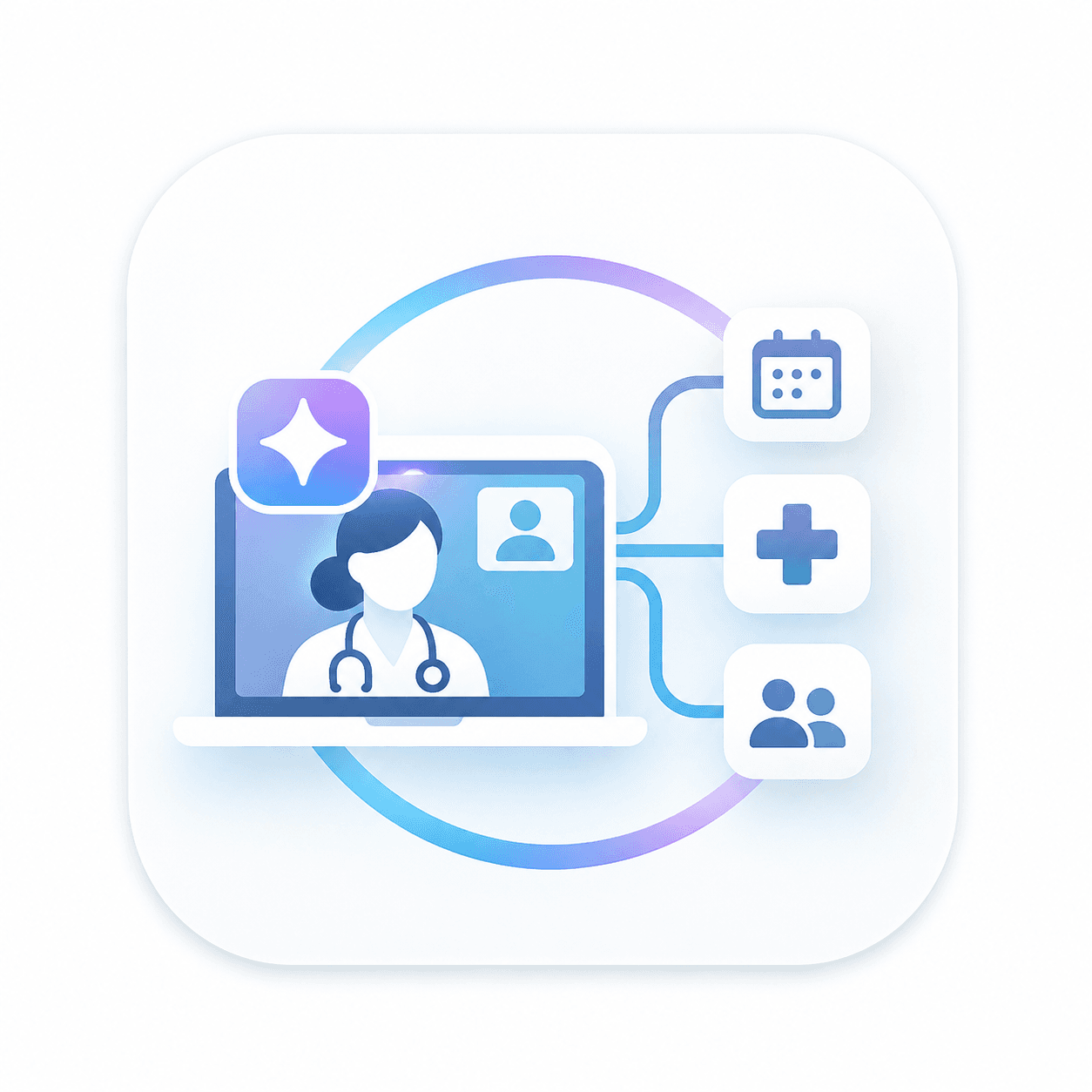
Configured professional review and teleconsultation pathways.
Longitudinal episode context and planned next actions.
Combine reusable services to create an entry point that fits the remote-care pathway.
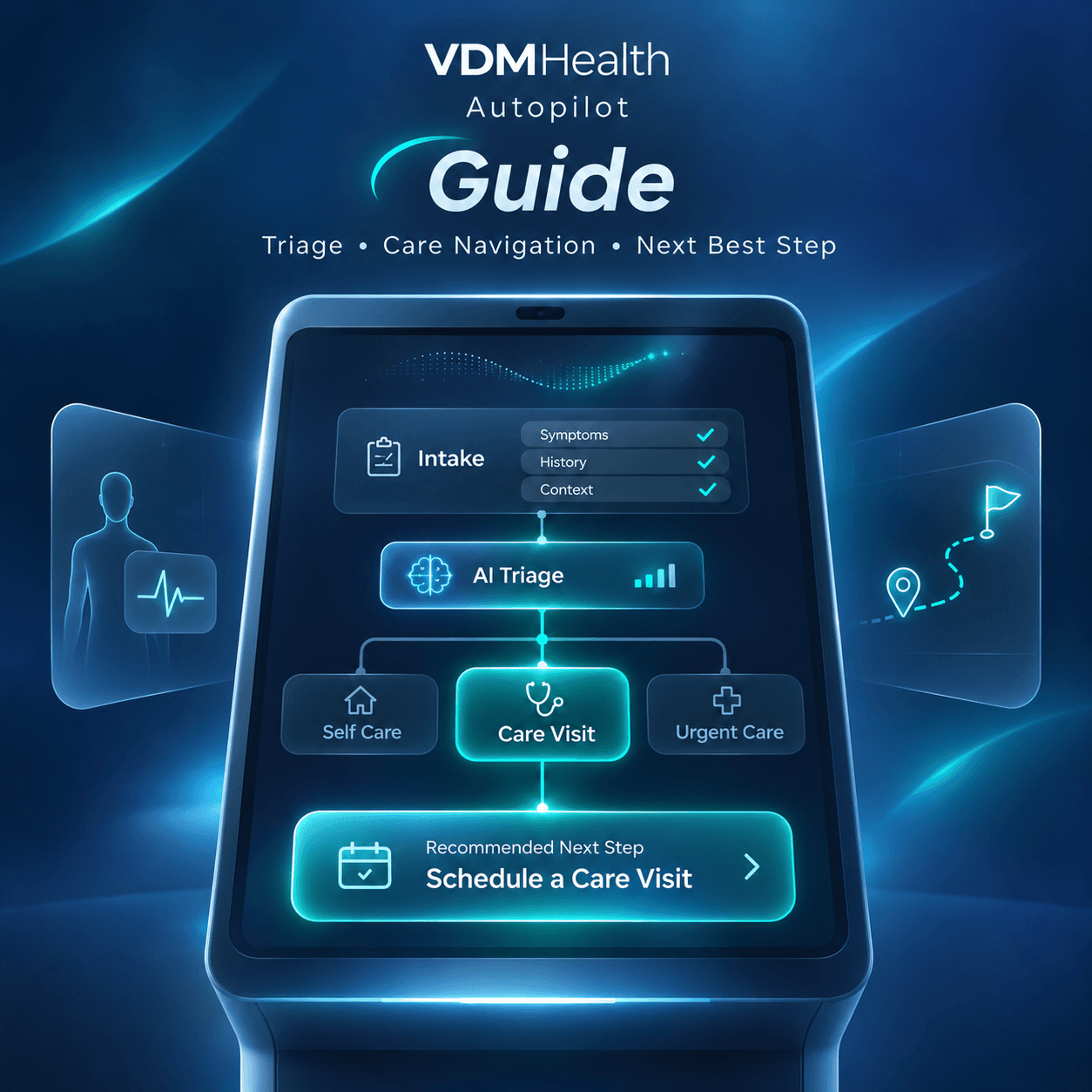
Structured questions, minimum required context and configurable escalation support.
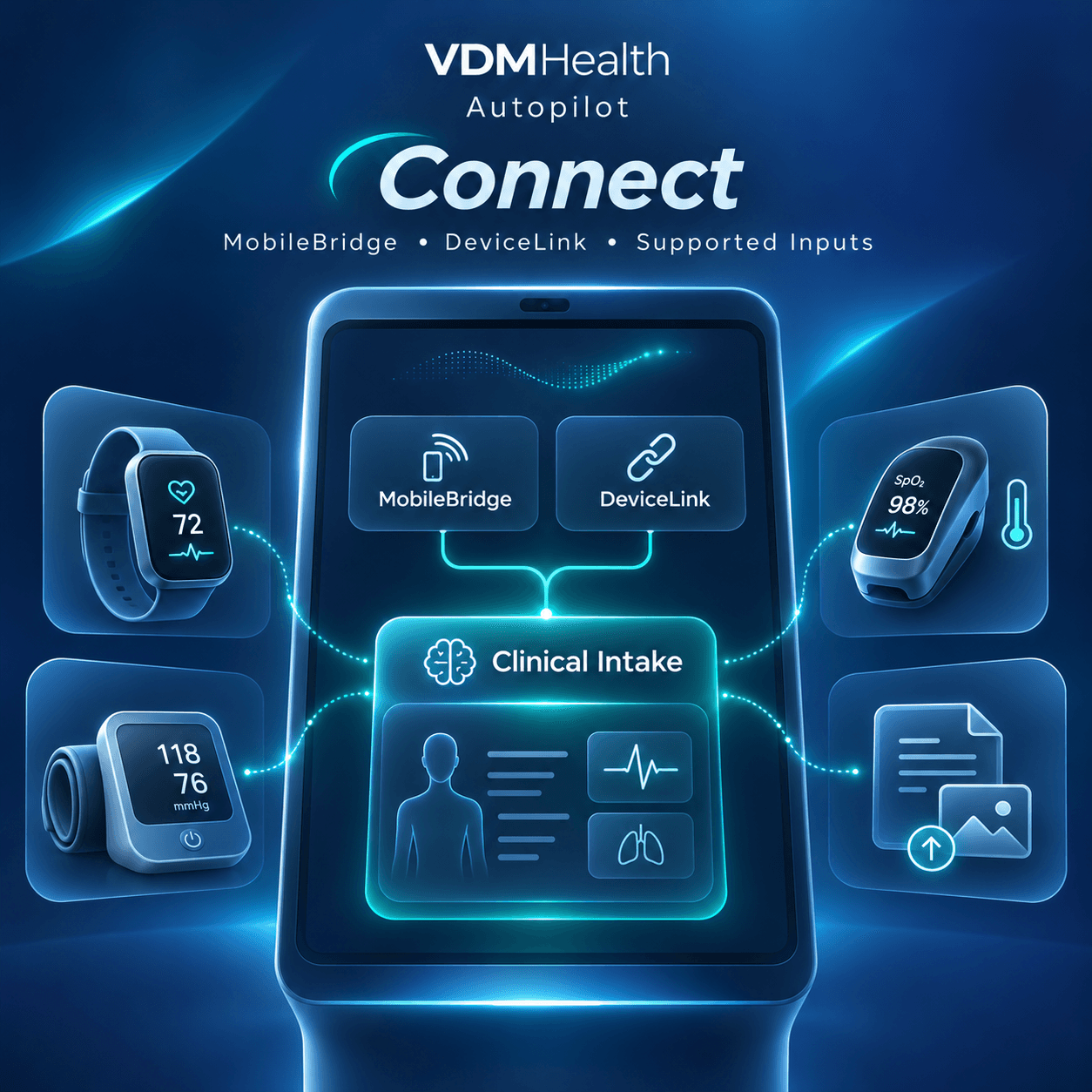
Authorised mobile inputs and supported devices through DeviceLink and MobileBridge, subject to integration.
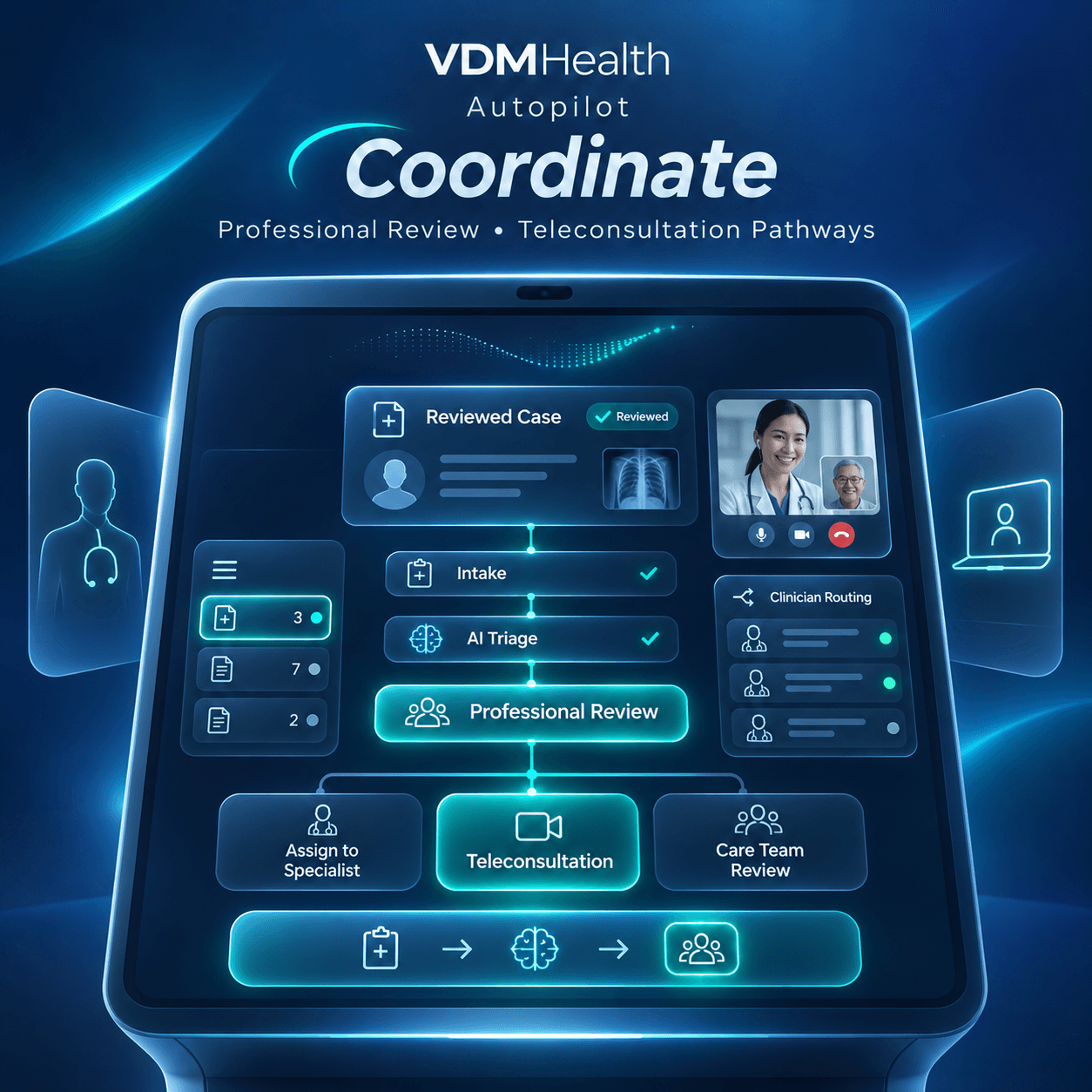
Guide people towards relevant referral routes and eligible services, subject to provider availability and configured arrangements.
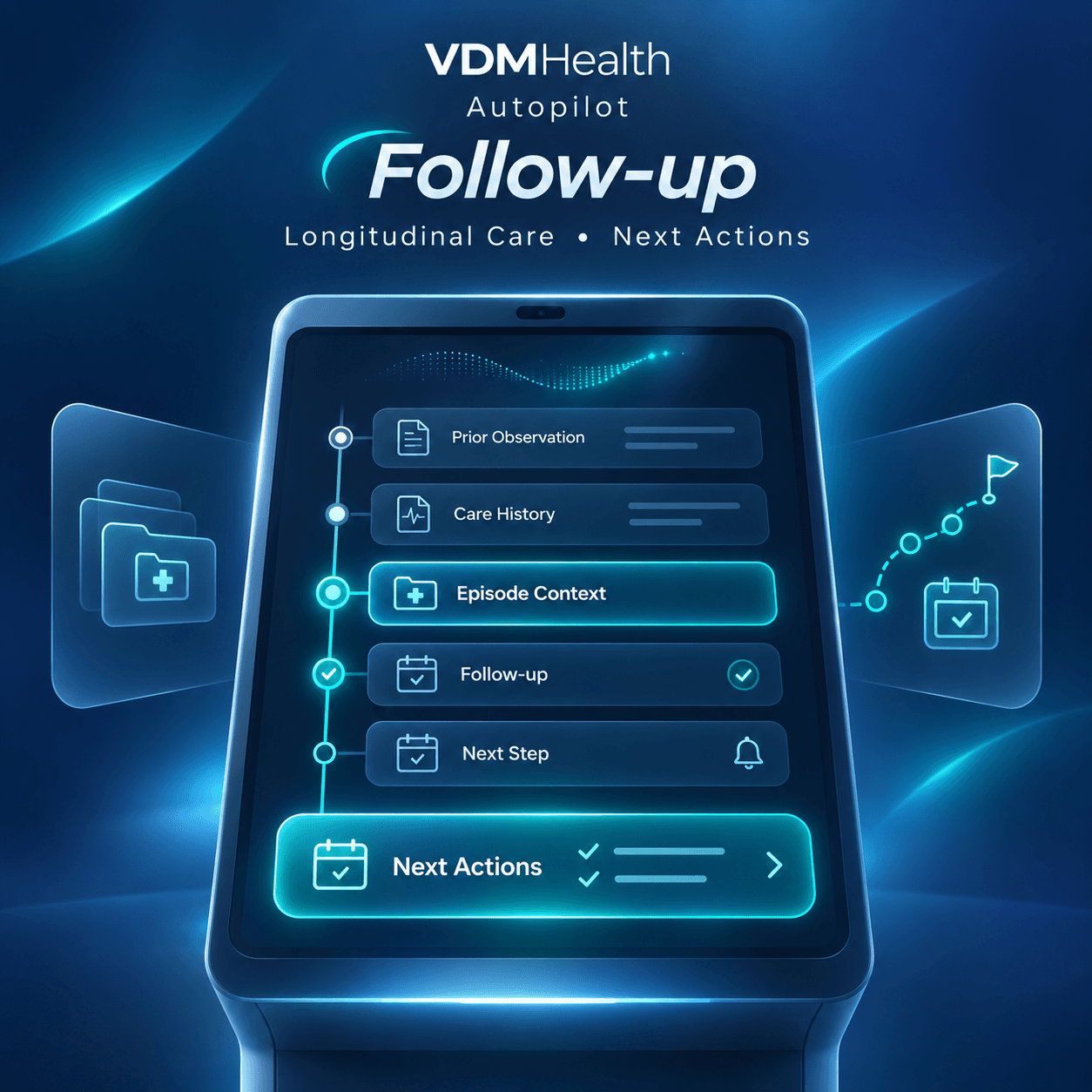
Enable synchronous or asynchronous professional review where available, with connected episode history, observations and documented follow-up steps.
A Virtual Kiosk pilot starts with a defined population, an available service network and the integrations that matter to that pathway.

Connect remote intake with professional consultation, documentation and follow-up.

Help members navigate towards eligible services and clearly defined care pathways.

Explore remote observations, supported monitoring and professional escalation beyond the clinic.
Structured questions, minimum required context and configurable escalation support.
Structured questions, minimum required context and configurable escalation support.
Authorised mobile inputs and supported devices through DeviceLink and MobileBridge, subject to integration.
Guide people towards relevant referral routes and eligible services, subject to provider availability and configured arrangements.

Enable synchronous or asynchronous professional review where available, with connected episode history, observations and documented follow-up steps.
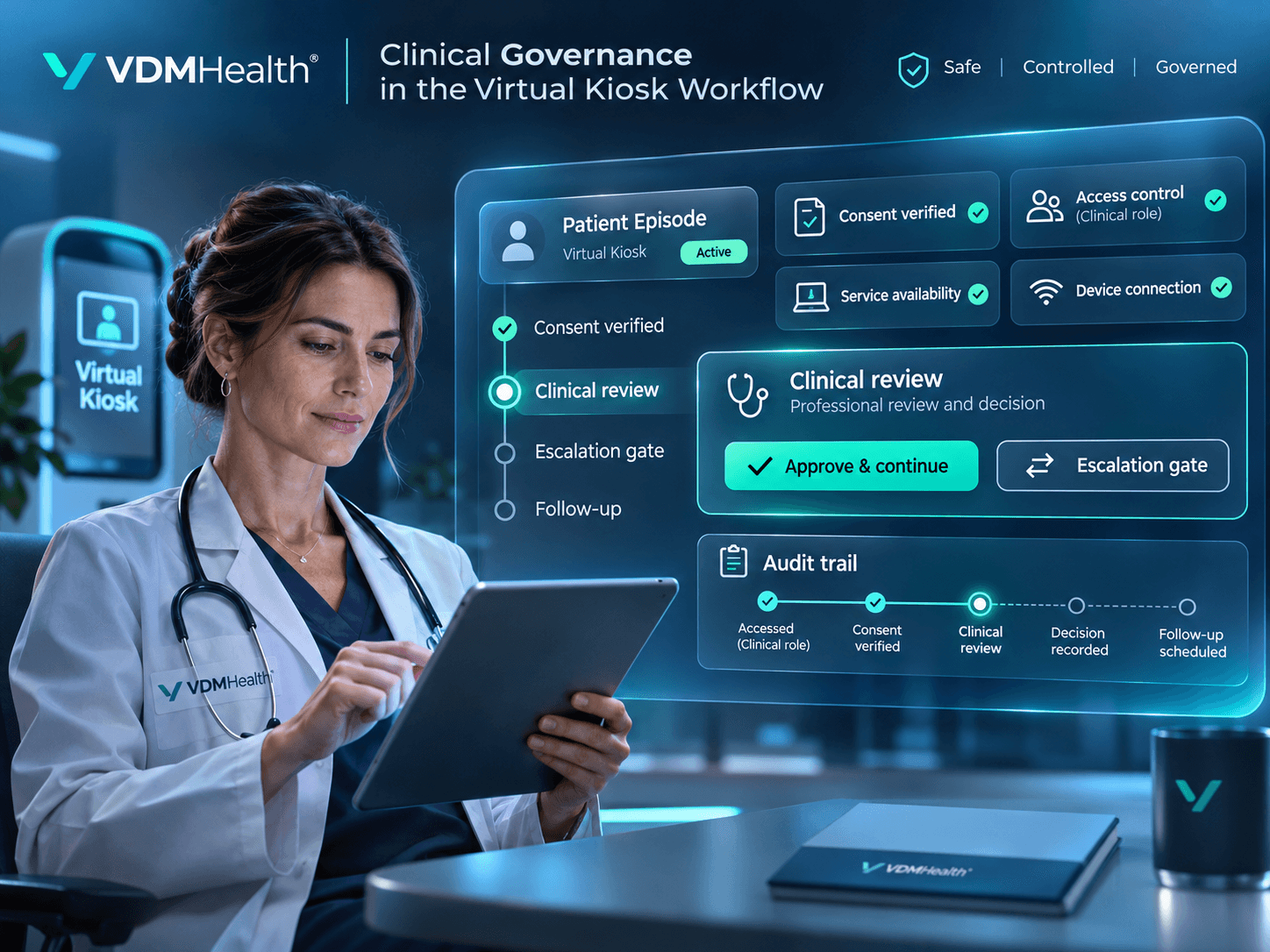
Every remote episode needs clear rules for who can access information, which services are available and when professional review is required. Device outputs and AI-assisted guidance should be interpreted only within the configured workflow and their intended purpose.
A simpler digital entry point
Give people a guided way to share relevant information and understand the next available step without requiring a dedicated kiosk cabinet.
More structured professional review
Organise episode context and supported observations so professionals can review information within defined workflows.
Continuity from intake to follow-up
Link the initial request, professional consultation where enabled and documented next steps in one traceable episode.
Configurable to care networks
Match entry points, eligible services, referral routes and professional responsibilities to the organisation’s model.
Responsible integration of device data
Incorporate authorised readings only where connectors, validation and the intended workflow support them.
Explore connected solutions to amplify the impact of AI across your health organization.
Choose a population and a care pathway. Together, we can define the entry point, required services, professional roles and evidence needed to evaluate a Virtual Kiosk pilot.