
Virtual Kiosk - Use Case
A digital front door for remote healthcare, wherever care begins.
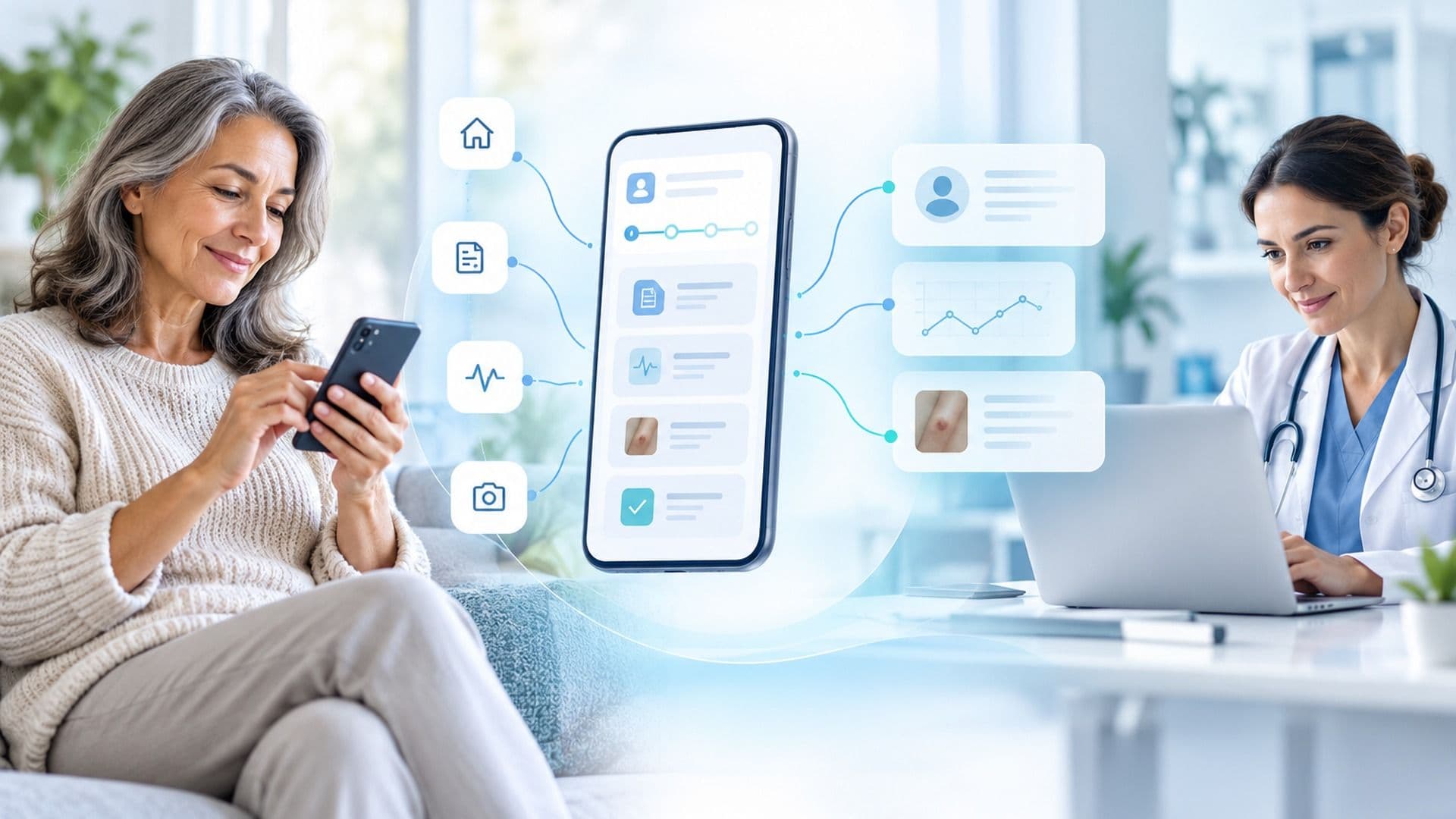
Connect guided intake, relevant health information and professional care pathways through authorised mobile and web experiences. Virtual Kiosk helps organisations turn a remote interaction into a structured care episode—with context that can travel from first contact to follow-up.
HOW THE MIC WORKFLOW WORKS
A six-step, configurable journey from first contact to professional follow-up. The steps shown are illustrative and depend on enabled services, clinical roles and integrations.
 1
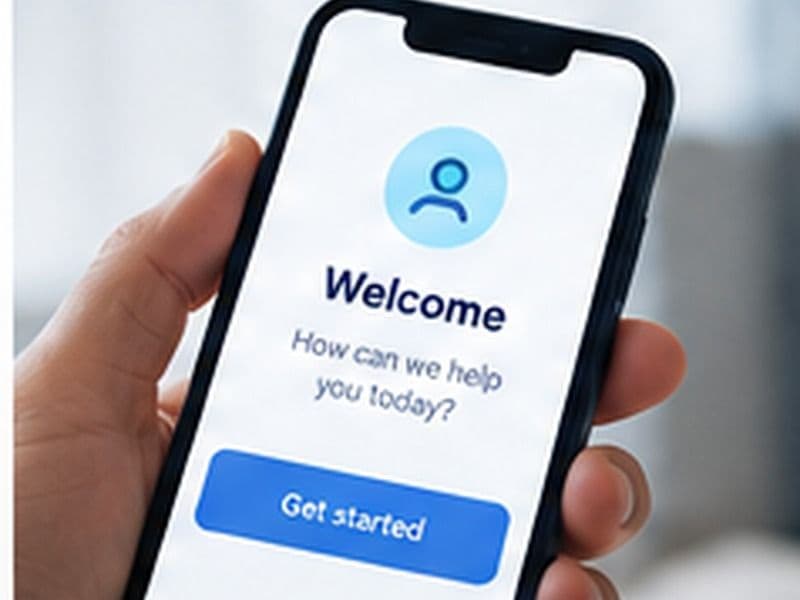
1. Start
Enter through an authorised mobile or web endpoint. The experience identifies the applicable pathway and explains how information will be used.
 2
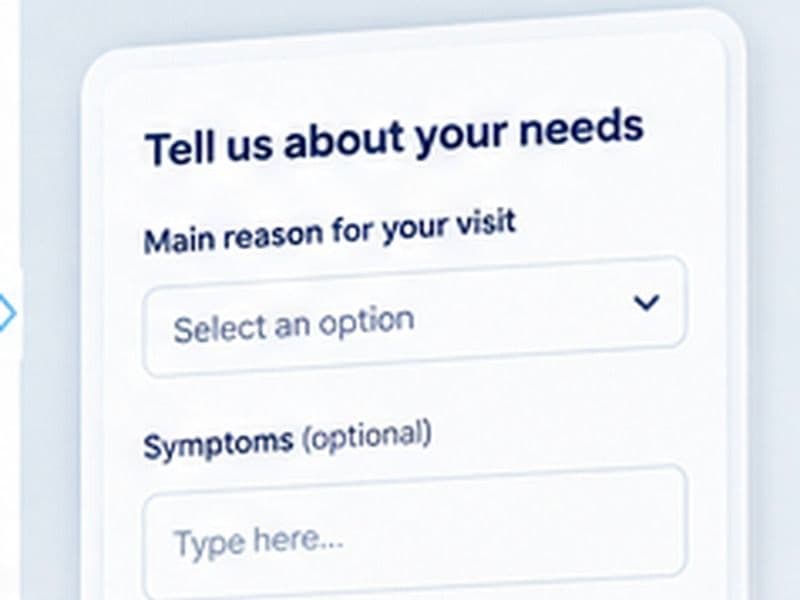
2. Share
Provide the minimum information needed for the episode, including relevant symptoms, context and consent where required.
 3
3. Connect
Add supported observations, documents, photographs or authorised device readings when available and appropriate to the workflow.
 4
4. Navigate
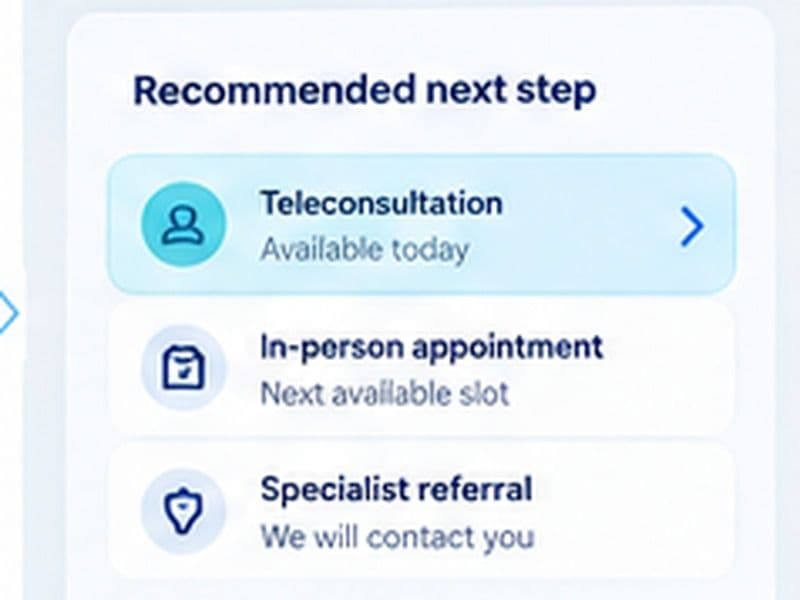
Use configured navigation rules to identify the next relevant service, referral or professional review step. Availability is made clear.
 5
5. Consult
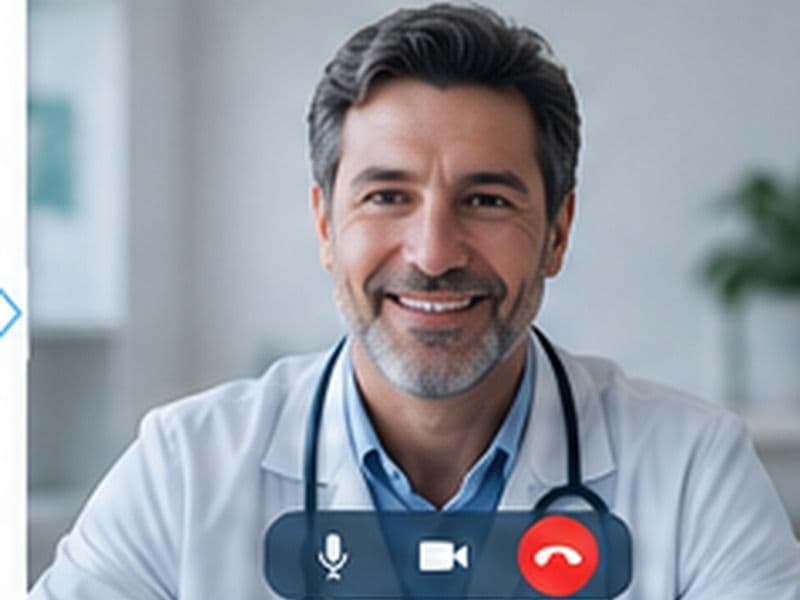
Connect to synchronous or asynchronous professional review when the organisation has enabled that service.
 6
6. Follow up
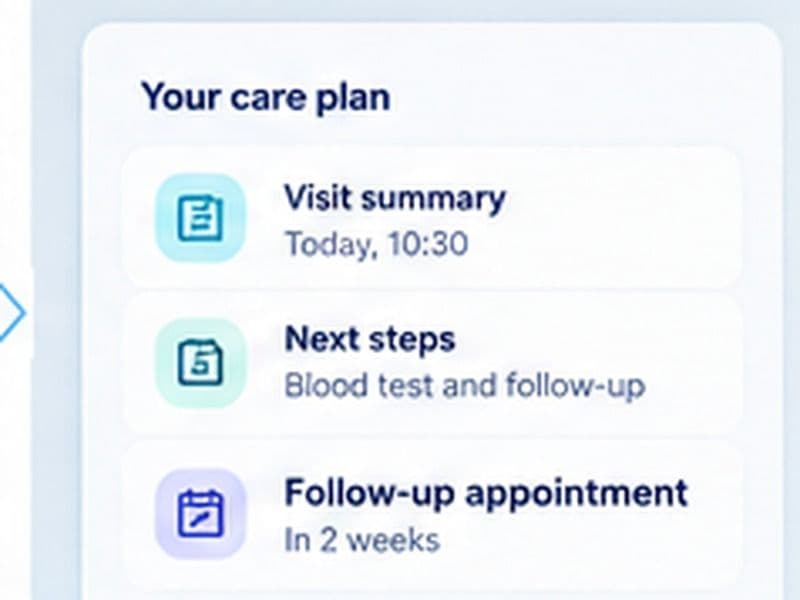
Capture the agreed next steps, record the episode and reconnect relevant observations or contacts over time.
Designed around your care network
A Virtual Kiosk pilot starts with a defined population, an available service network and the integrations that matter to that pathway.

Connect remote intake with professional consultation, documentation and follow-up.

Help members navigate towards eligible services and clearly defined care pathways.

Explore remote observations, supported monitoring and professional escalation beyond the clinic.
Guided intake and triage support
Structured questions, minimum required context and configurable escalation support.
Guided intake and triage support
Structured questions, minimum required context and configurable escalation support.
Device and mobile connectivity
Authorised mobile inputs and supported devices through DeviceLink and MobileBridge, subject to integration.
Care navigation and service access
Guide people towards relevant referral routes and eligible services, subject to provider availability and configured arrangements.

Professional consultation and follow-up
Enable synchronous or asynchronous professional review where available, with connected episode history, observations and documented follow-up steps.
Key Benefits
A simpler digital entry point
Give people a guided way to share relevant information and understand the next available step without requiring a dedicated kiosk cabinet.
More structured professional review
Organise episode context and supported observations so professionals can review information within defined workflows.
Continuity from intake to follow-up
Link the initial request, professional consultation where enabled and documented next steps in one traceable episode.
Configurable to care networks
Match entry points, eligible services, referral routes and professional responsibilities to the organisation’s model.
Responsible integration of device data
Incorporate authorised readings only where connectors, validation and the intended workflow support them.
BUILT FOR CLINICAL GOVERNANCE, NOT AUTONOMOUS CARE
Every remote episode needs clear rules for who can access information, which services are available and when professional review is required. Device outputs and AI-assisted guidance should be interpreted only within the configured workflow and their intended purpose.
- Collect only information necessary for the episode and apply appropriate consent and access controls.
- Show clearly when a service, provider, device or connector is unavailable.
- Use defined review and escalation gates; do not present the Kiosk as an emergency-response service.
- Keep clinical decisions, diagnosis and treatment authorisation with qualified healthcare professionals.
- Maintain traceable episode records and agreed follow-up steps where implemented.

Build your imaging integration roadmap.
Tell us which RIS, PACS and AI systems you use and which reporting or quality-review workflow you want to improve. We can scope a relevant demonstration, define interface requirements and plan the next integration step.